
How Lucknow businesses can get more calls from Google Maps
A practical guide for shops, clinics, coaching centres and restaurants in Lucknow: set up your Google Business Profile, earn reviews and turn map views into calls.
Read the article
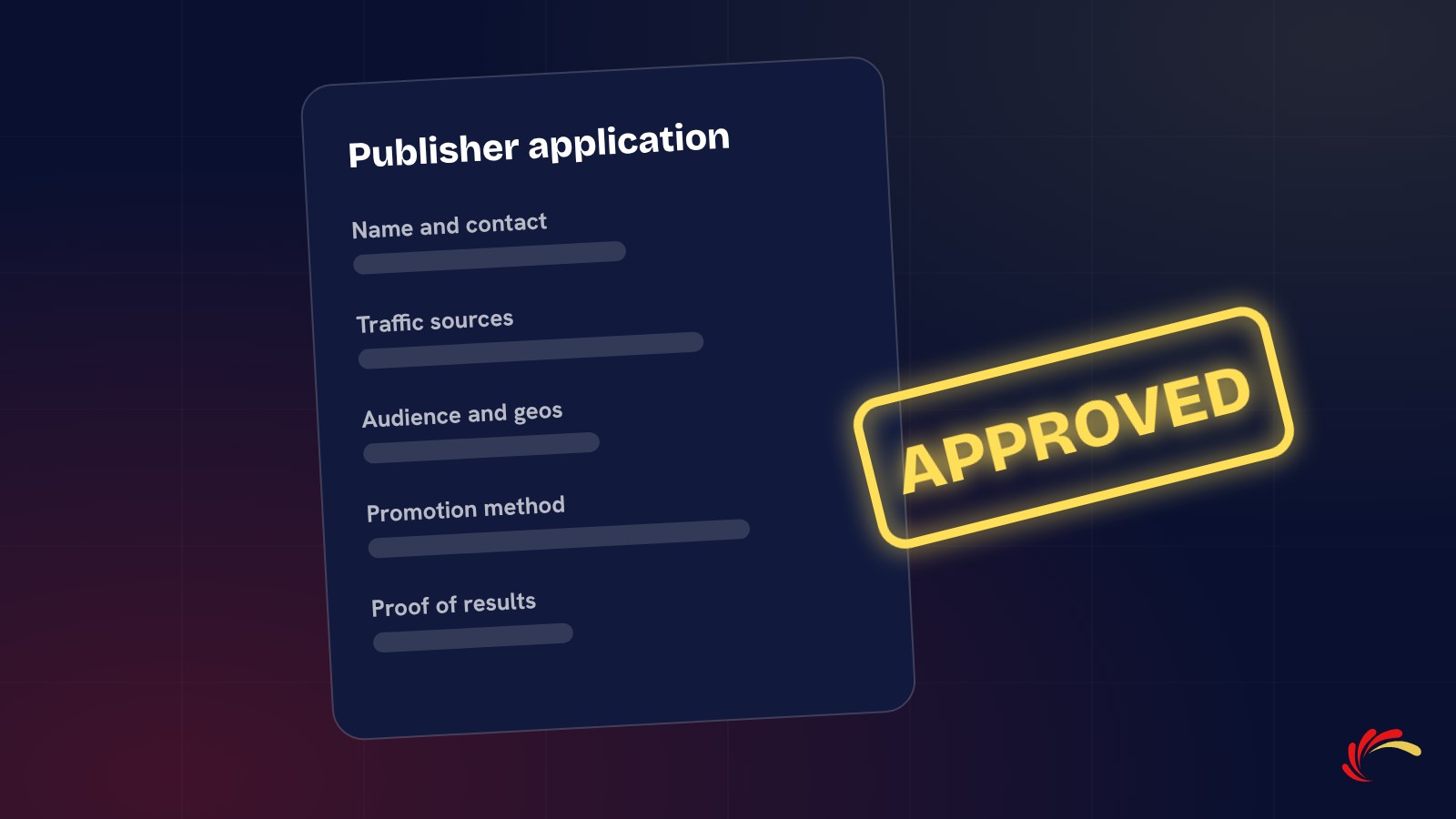
Many new publishers sign up to a CPA network, wait a few days and get a short reply: "application not approved". It feels personal, but it rarely is. Networks approve publishers who can show where their traffic comes from and who look likely to follow the rules, because one bad source can cost them an advertiser.
This guide explains what affiliate managers look for, how to fill in your application so it gets approved, and how to build trust in your first weeks so you get access to better offers and higher payouts.
New to the model? Read what a CPA network is and how it works first.
A network is responsible to its advertisers for every conversion it sends. If a publisher sends fake or low-quality traffic, the advertiser rejects it, the network loses money and may lose the account. So every application is a risk decision: can we trust this person with our offers? Your job is to make that decision easy.
You do not need huge numbers to be approved, but you do need something real. Build one small property first, such as a niche website, an Instagram page or a YouTube channel, and get regular visitors before you apply. A clear plan with a small, genuine audience beats a vague promise of big volumes.
Publishers who follow the rules and communicate well are offered private offers, higher payouts and bigger caps. That is where the real earnings are.
If you are rejected, ask the manager what was missing. Many networks will review an improved application later.
Adperience Media works with publishers in more than 140 countries, with pre-tested offers, real-time stats on our partner panel and NET30 payouts. Read how publishing with us works, or apply as a publisher. Tracking runs on server-to-server postbacks; our guide to postback URLs explains how.
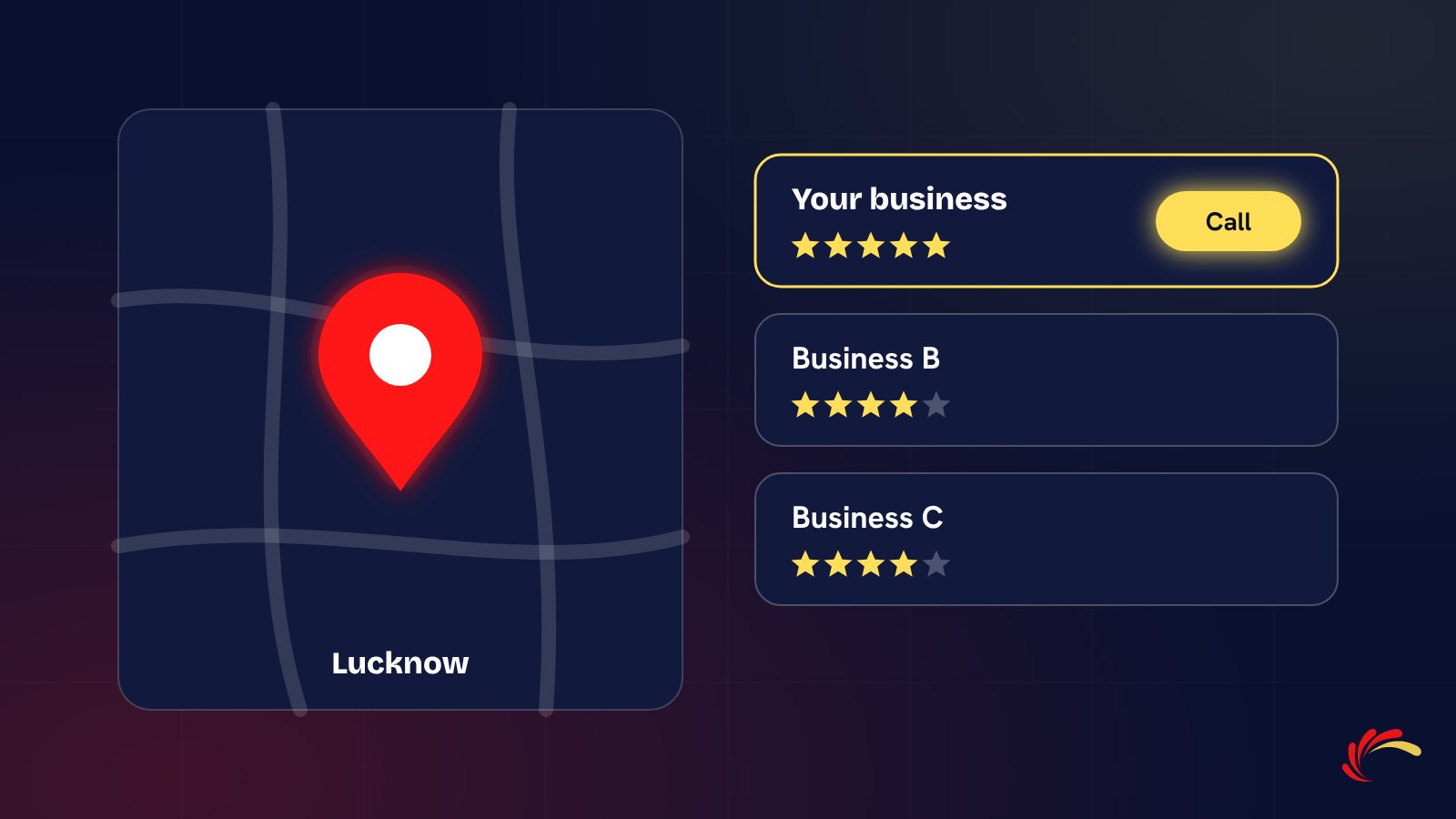
A practical guide for shops, clinics, coaching centres and restaurants in Lucknow: set up your Google Business Profile, earn reviews and turn map views into calls.
Read the article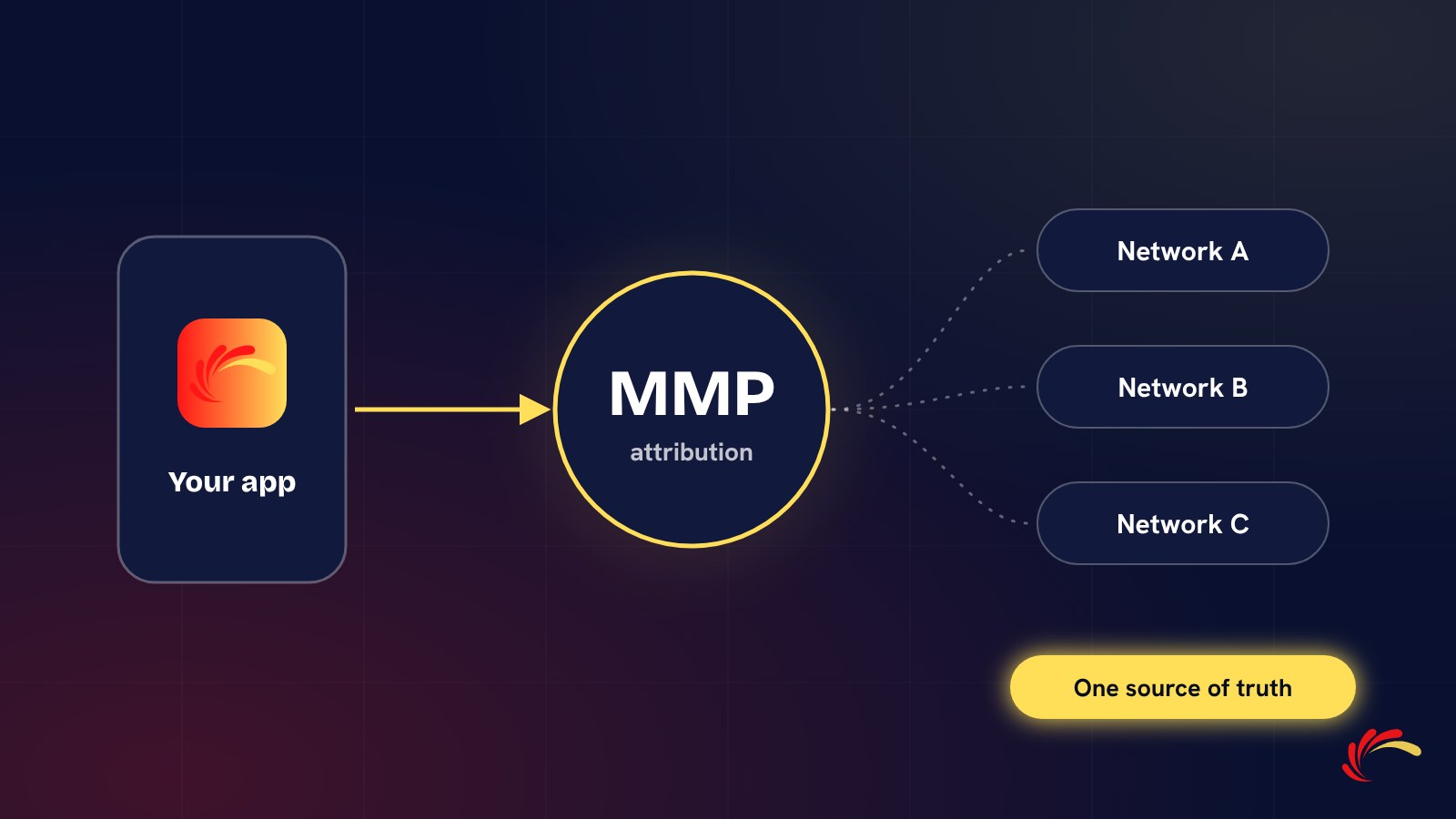
A mobile measurement partner records which channel brought each app install and event. What an MMP does, how it connects to ad networks, and how to choose one.
Read the article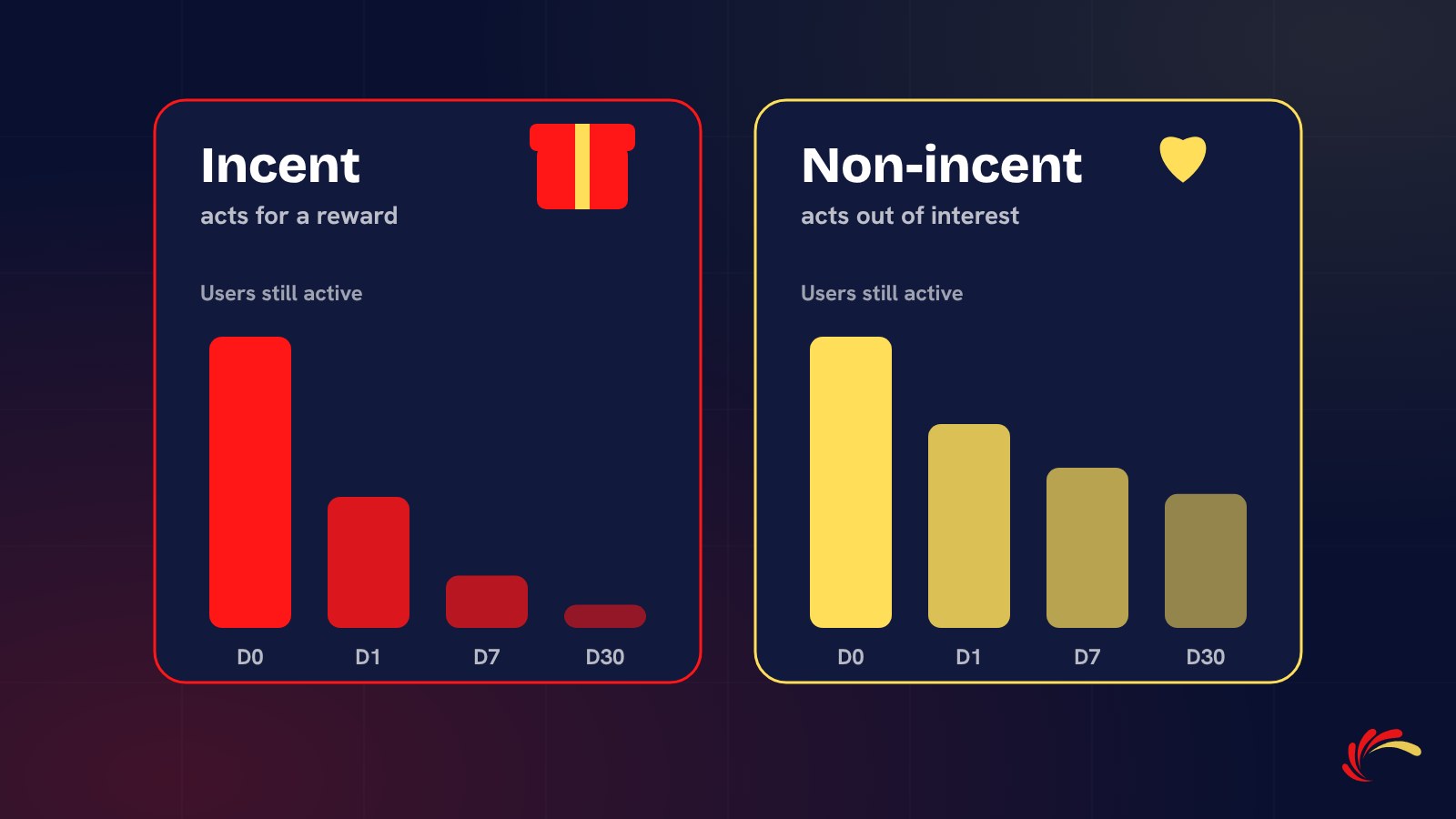
Incentivised users act for a reward, non-incentivised users act out of interest. How the two compare on cost, volume and retention, and how to brief a network for each.
Read the articleSend your product, geos, target event and CPA, and we will reply with a proposal by email.