If you run an app and work with more than one ad channel, sooner or later someone asks: "Which MMP are you using?" Without one, you cannot tell which channel brought which user, and every network will claim the same installs.
This guide explains what a mobile measurement partner (MMP) does, how it connects to ad networks, what the main options are, and how to set one up for performance campaigns.
What an MMP is
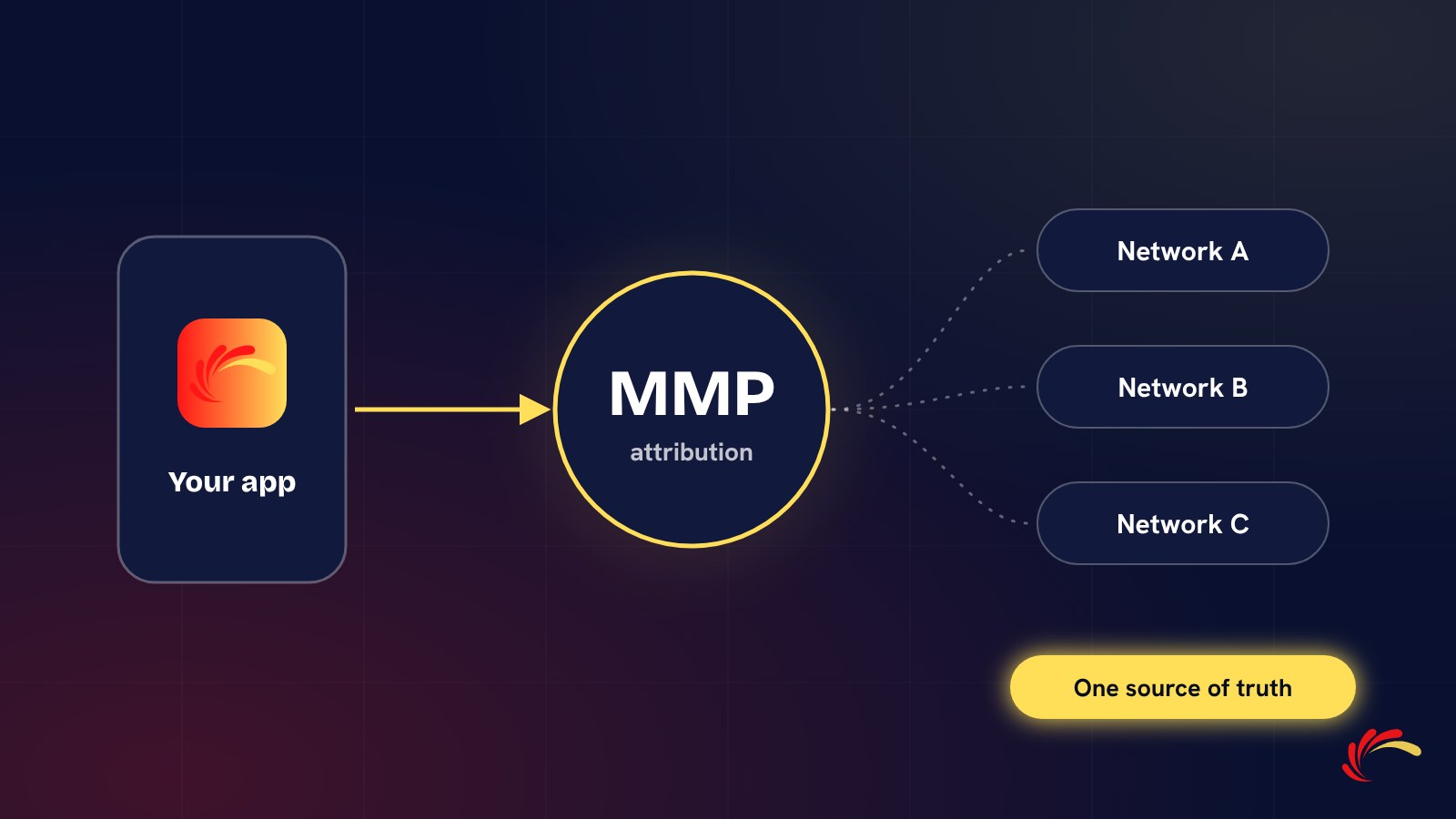
An MMP, or mobile measurement partner, is an independent company that records where each app install and in-app event came from. It sits between your app and all of your advertising partners, and acts as the neutral referee that decides who gets credit for a user.
Well-known MMPs include AppsFlyer, Adjust, Branch, Singular and Kochava.
What an MMP does
- Attribution. Matches each install and event to the ad click or view that caused it.
- Deduplication. When several networks claim the same user, the MMP gives the credit to one of them, usually the last eligible click.
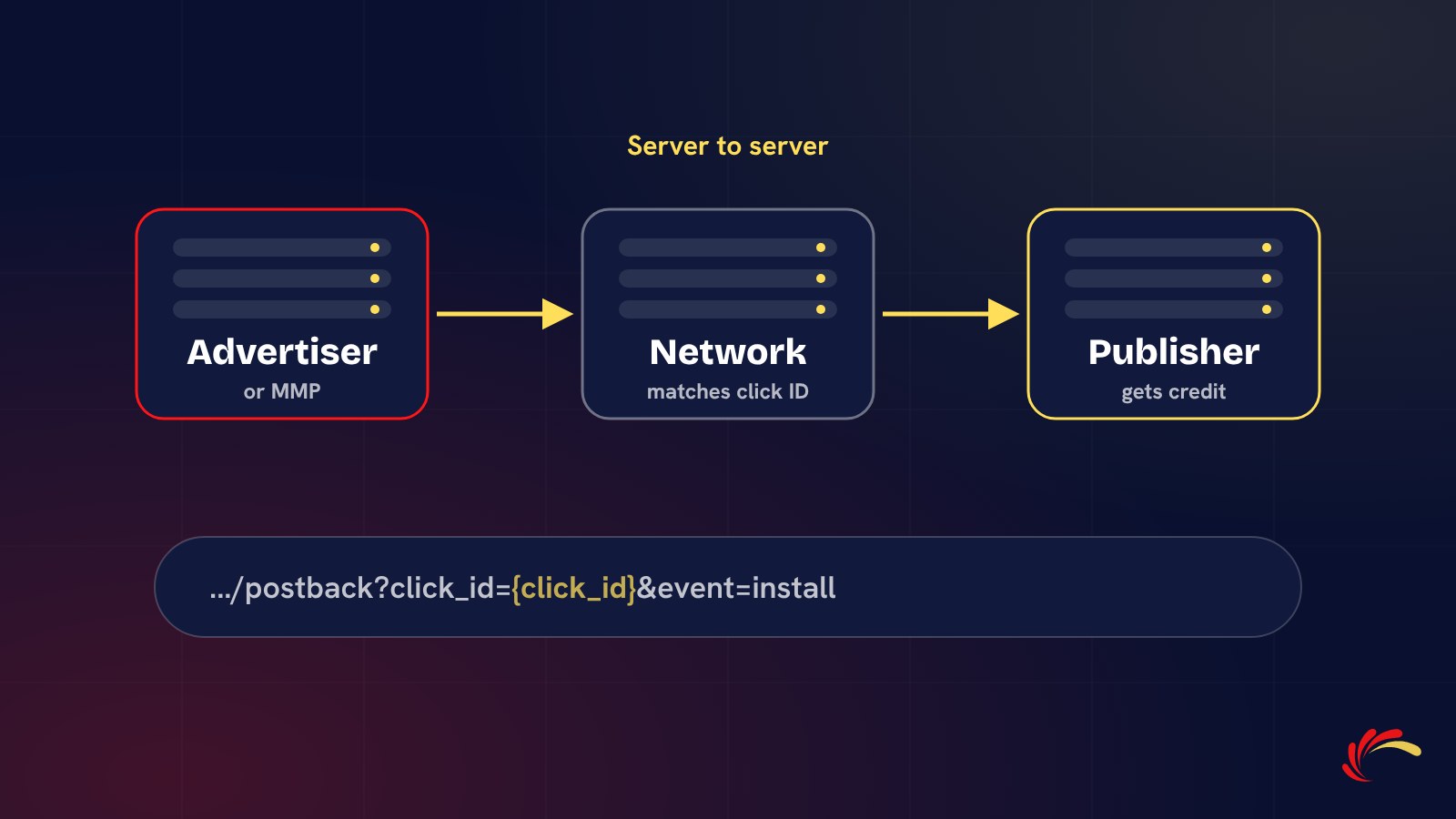
- Postbacks to partners. Tells each network about the installs and events it earned, so they can pay publishers and optimise. Our guide to postback URLs explains how these messages work.
- Reporting in one place. Installs, events, retention and revenue by channel, campaign and source.
- Fraud protection. Most MMPs offer tools that block or flag fake installs and suspicious patterns.
- Deep links. Send users from an ad straight to the right screen inside the app.
How an MMP works with a network
- You add the MMP's SDK to your app. It records installs and the in-app events you choose.
- In the MMP dashboard, you enable the network as an integrated partner.
- You choose which events to send to that network, such as install, registration or first deposit.
- The network generates tracking links that point to the MMP. Every click carries the network's click ID.
- When a user installs or converts, the MMP attributes it and sends a postback to the network with that click ID.
Because both sides rely on the same independent record, the MMP becomes the source of truth for billing.
iOS, privacy and SKAdNetwork
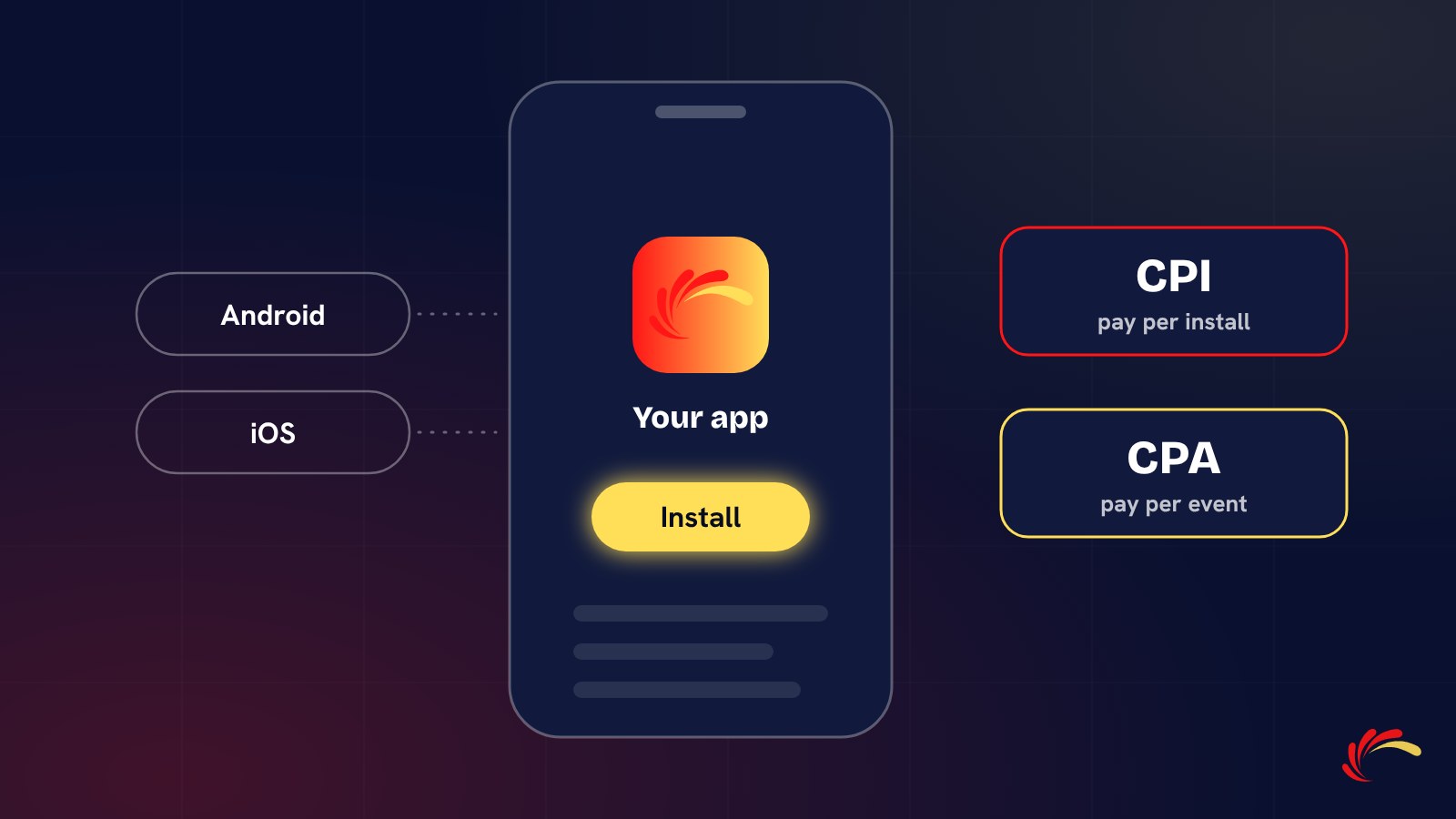
Since Apple introduced App Tracking Transparency, iOS apps must ask permission before tracking users across other companies' apps and sites. Many users decline, so device-level attribution on iOS is limited. Apple's own framework, SKAdNetwork (SKAN), reports installs in aggregated, delayed form without identifying users. MMPs help you configure SKAN and combine it with the data you can still measure, which is why an MMP matters even more for iOS campaigns.
Choosing an MMP
- Partner integrations: are your ad networks already integrated?
- Fraud tools: what is included, and what costs extra?
- Pricing: most charge by the volume of attributed conversions, with free or starter tiers for small apps. Compare current plans directly.
- Support and data access: exports, raw data and help in your time zone.
Most networks work with all major MMPs, so choose the one that fits your product, budget and team.
Common setup mistakes
- Tracking installs only, so networks cannot be judged on real engagement.
- Using different event names in the app and in partner settings.
- Forgetting to switch on postbacks for the events you pay for.
- Leaving fraud protection off, or not reviewing its rejection reports.
- Testing in production with your own device, which then counts as a conversion.
Working with us
Adperience Media works with all major MMPs and tests attribution and postbacks with every advertiser before launch, so both sides see the same numbers from day one. Rejected and fraudulent installs are filtered before billing; read more in our article on signs of install fraud. Send us your app, geos, target event and CPA and we will reply with a proposal by email.