
App install campaigns in India: costs, pricing models and setup
How app install campaigns work in India, what drives the cost of an install, when to pay on CPI or CPA, and how to set up a campaign that brings users who stay.
Read the article
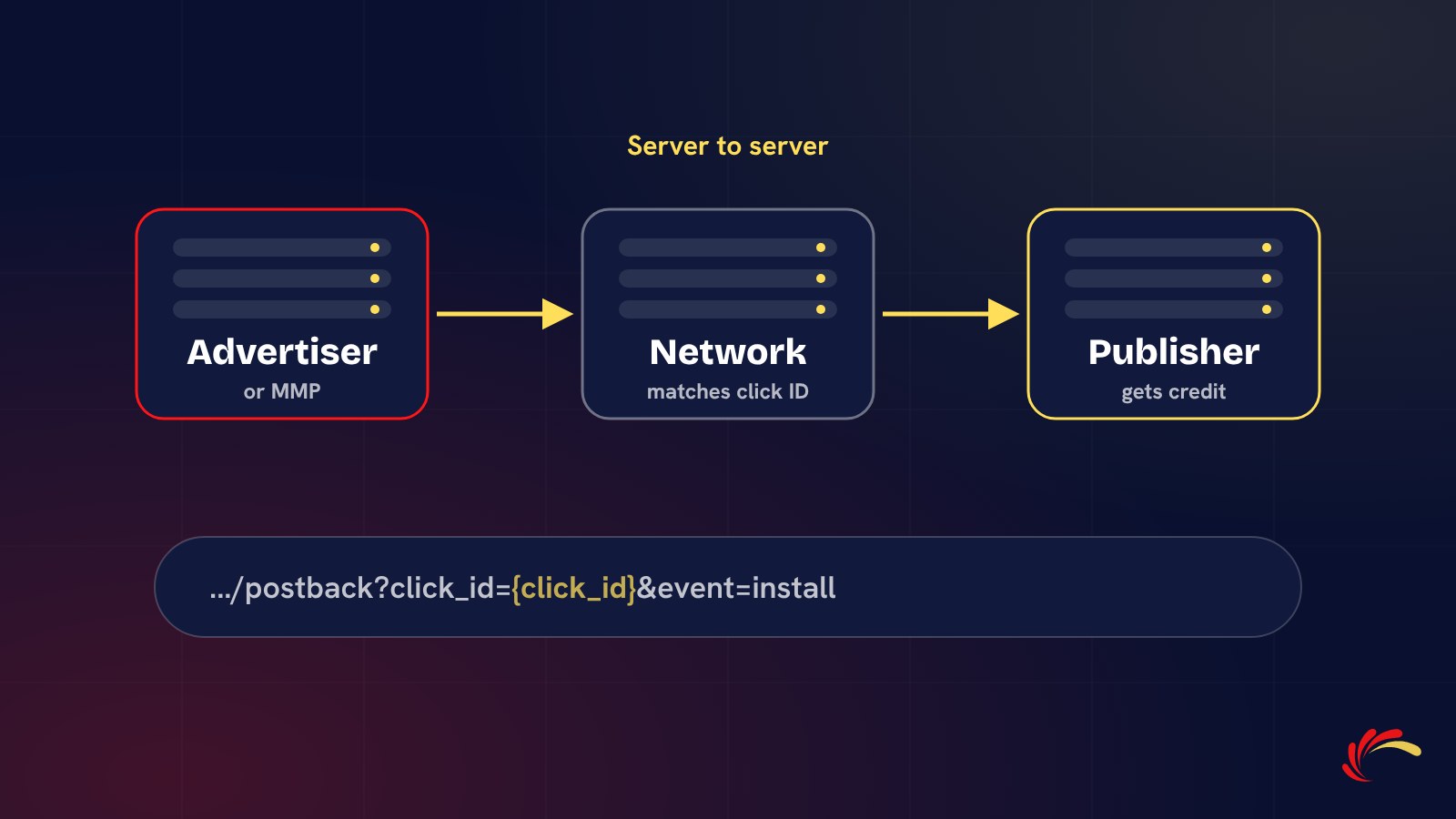
Every performance campaign depends on one small, invisible message: the postback. If it is set up correctly, advertisers, networks and publishers all see the same conversions. If it is wrong, conversions go missing, publishers are not paid, and everyone argues about numbers.
This guide explains what a postback URL is, how server-to-server (S2S) tracking works, what the parts of a postback look like, and how to test one before a campaign goes live.
A postback URL is a web address that one system calls to tell another system that a conversion happened. It is sent directly from server to server, without going through the user's browser. That is why this kind of tracking is called server-to-server or S2S tracking.
In one line: a postback is the advertiser's system saying to the network, "the user from click 8f3a2c just installed the app".
Because nothing depends on cookies in the browser, S2S tracking keeps working when users switch apps, use private browsing or block third-party cookies. That makes it the standard for app campaigns and the most reliable choice for web.
A typical postback URL looks like this:
https://tracking.example-network.com/postback?click_id={click_id}&event=registration&payout={payout}
It has three parts:
click_id, event and payout.{click_id}, that the sending system replaces with real values at the moment of the conversion.Each platform names its macros slightly differently, so the exact format always comes from the network's documentation or the MMP's partner setup.
Postback (S2S)Pixel (browser) Sent fromServer to serverThe user's browser Depends on cookiesNoYes Works for appsYesNo Blocked by ad blockersNoOften Setup effortNeeds a developer or MMPPaste a code snippet Pixels are quick to add, but they lose conversions. For anything you pay for, a postback is worth the extra setup.
A global postback fires for every conversion of a given type across all campaigns. An event postback fires for a specific event, such as a first deposit, so the network can pay on a deeper action or report quality metrics. App advertisers usually send several event postbacks, one per important in-app event, so the network can optimise sources on real engagement rather than installs alone.
{click_id} instead of the real value, so nothing can be matched.At Adperience Media, campaigns run on our own partner panel with server-to-server tracking, and we test every postback with the advertiser before launch. If you are new to the model, read how a CPA network works, or send us your campaign details and we will reply by email.
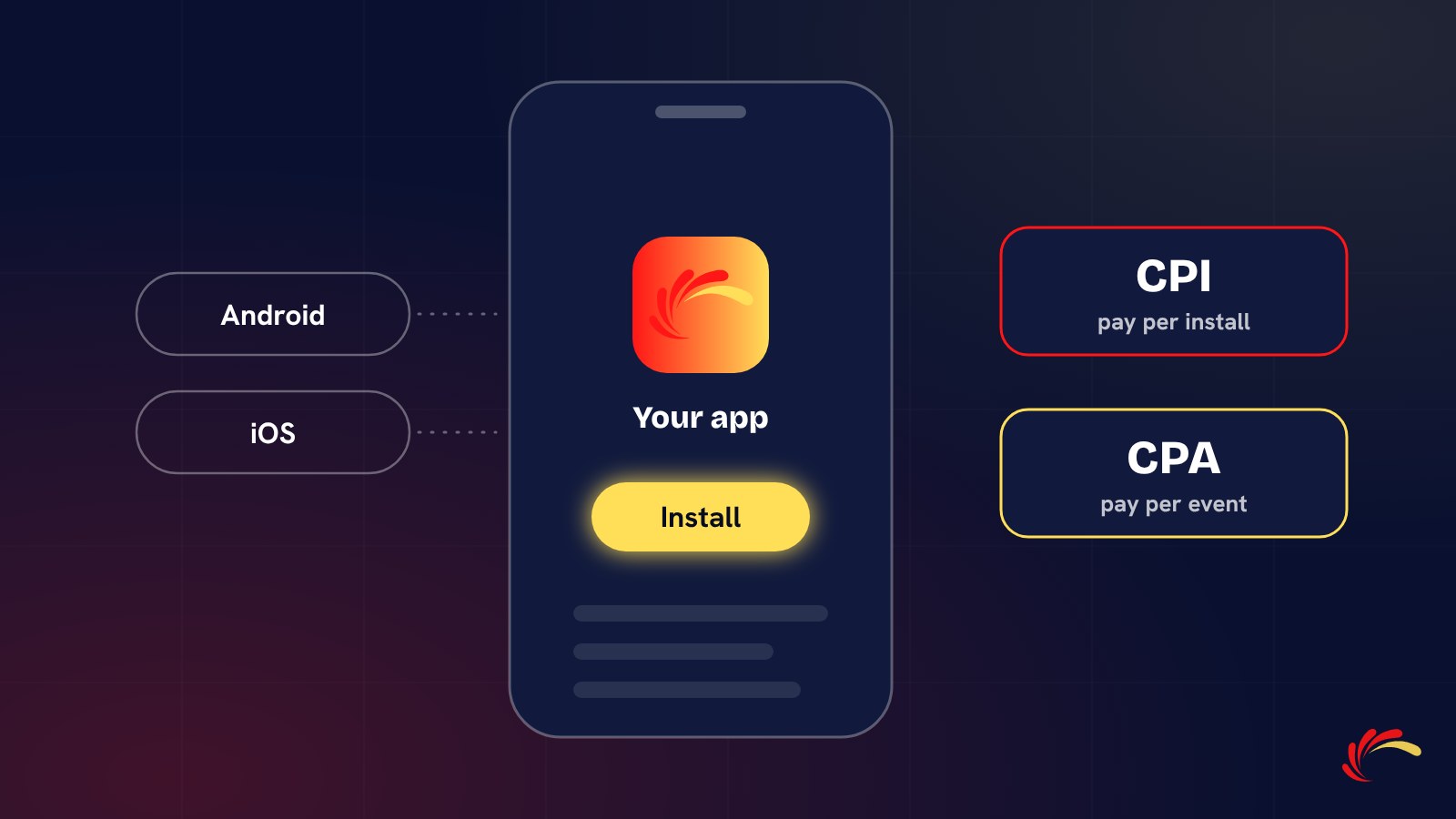
How app install campaigns work in India, what drives the cost of an install, when to pay on CPI or CPA, and how to set up a campaign that brings users who stay.
Read the article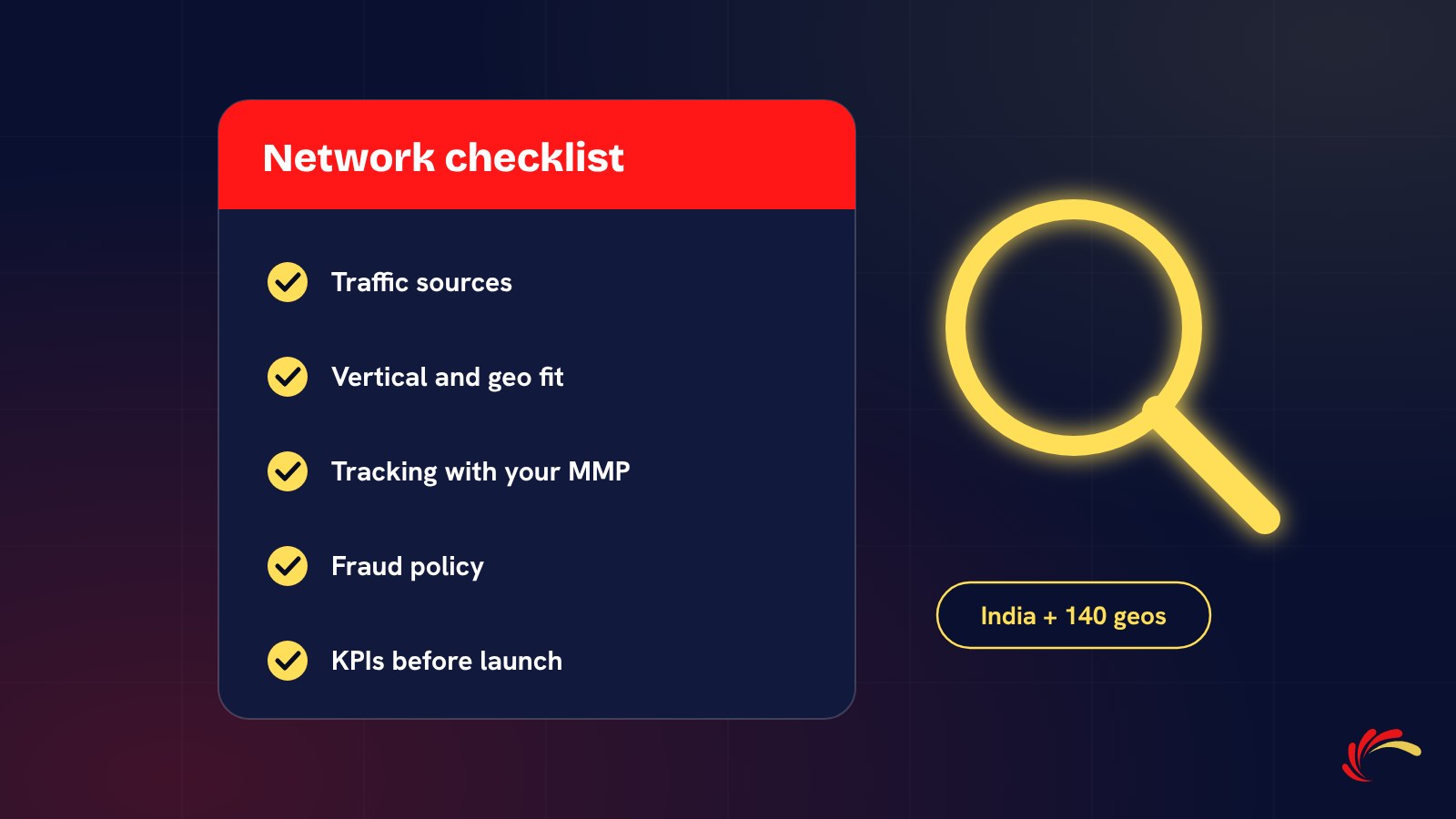
Traffic sources, vertical fit, tracking, fraud policy and KPIs: what to check before you choose a performance or affiliate network in India, and the red flags to avoid.
Read the article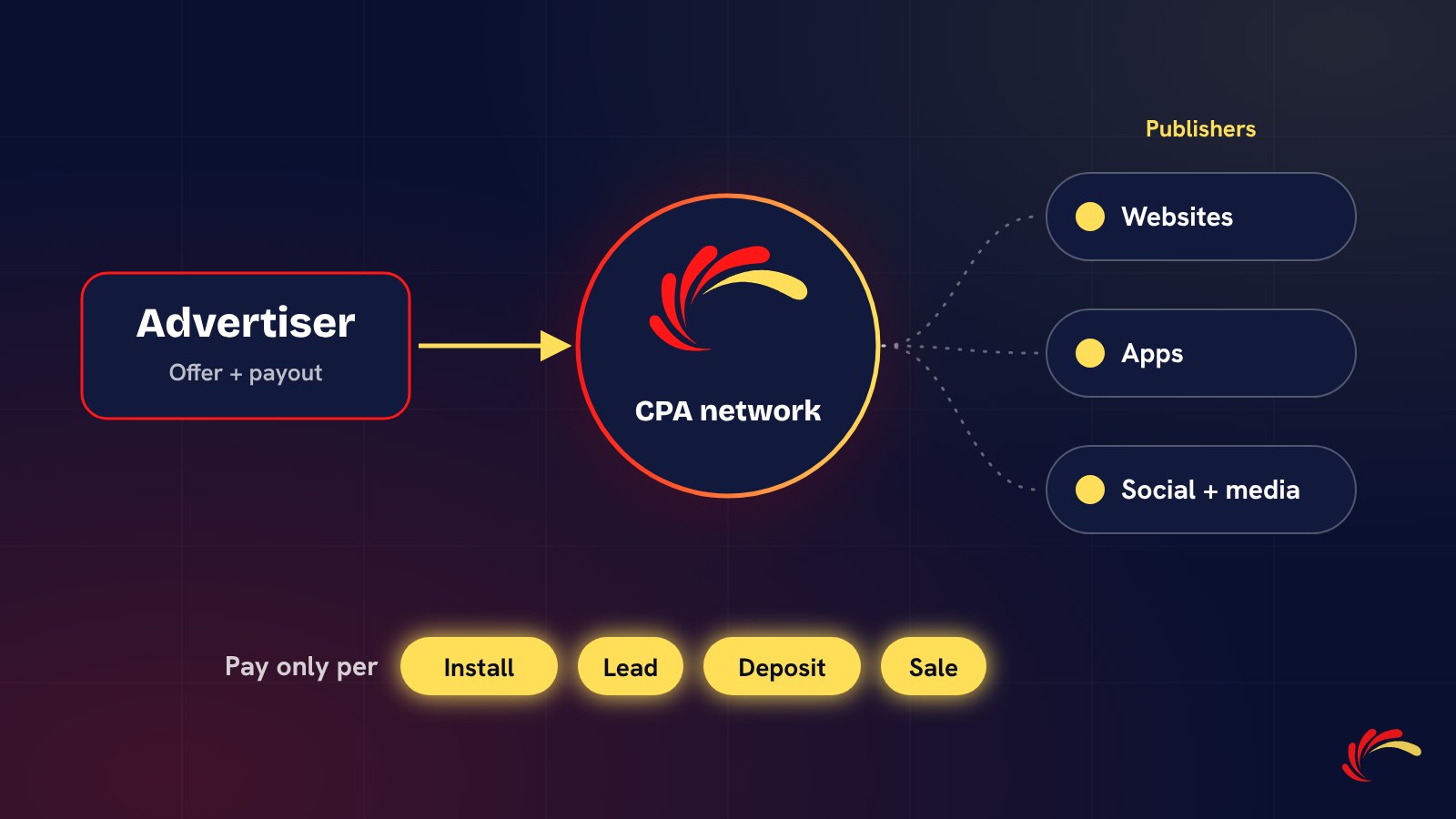
A CPA network connects advertisers who pay for results with publishers who deliver them. Here is how tracking, payouts and fraud checks work, from click to payment.
Read the articleSend your product, geos, target event and CPA, and we will reply with a proposal by email.