India is one of the largest app markets in the world, and one of the most competitive. Hundreds of new apps launch every week, and most of them need the same thing: real users who install, open the app and keep using it. App install campaigns are how they get them.
This guide explains how app install campaigns work in India, what drives the cost, which pricing model to choose, and how to set a campaign up so you pay for users who stay.
What an app install campaign is
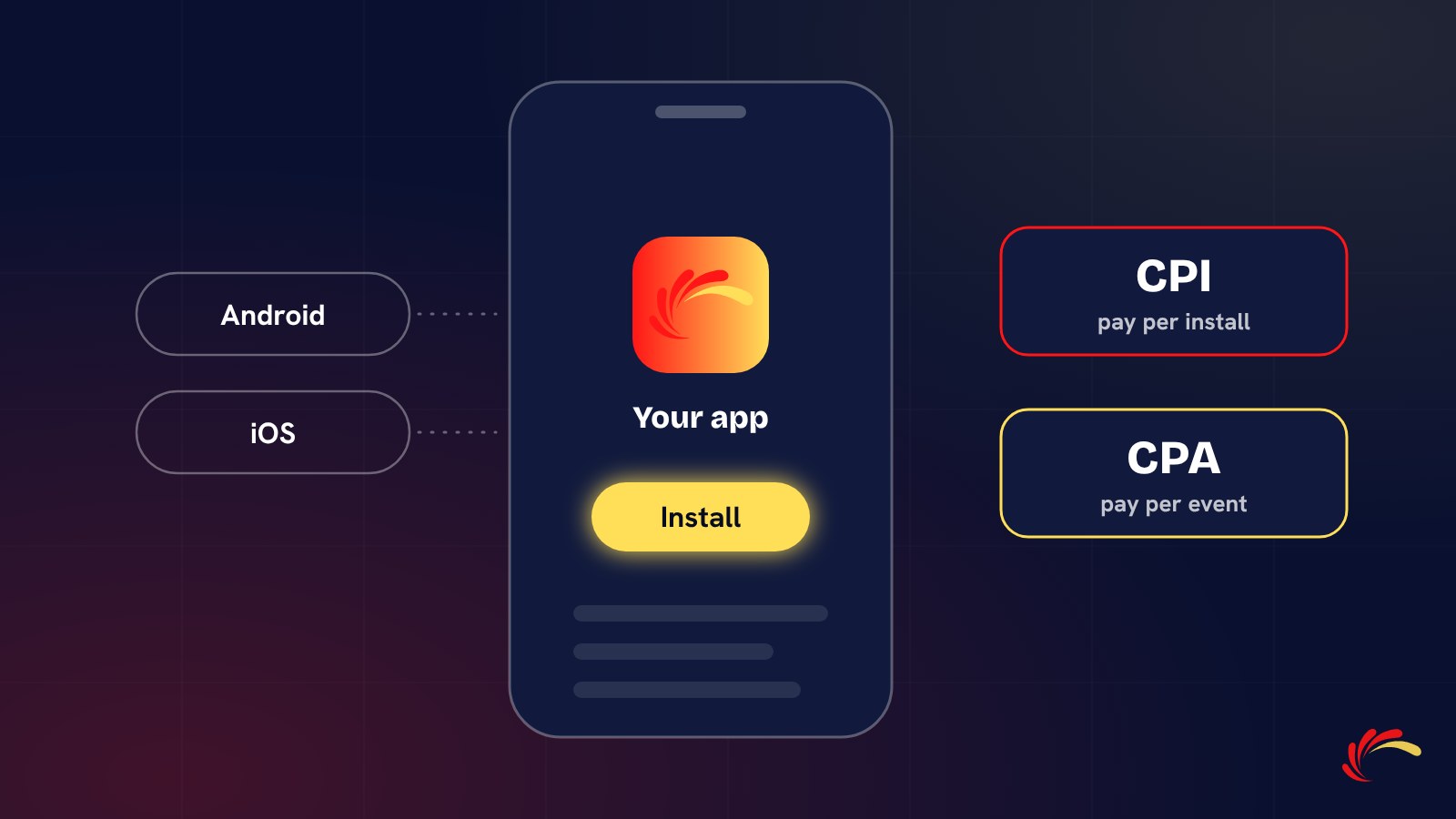
An app install campaign promotes an app with one goal: to get people to install it. The ads or placements send users to the Google Play Store or the Apple App Store, and the campaign is measured on installs and on what users do after installing.
In India most volume comes from Android, so campaigns usually start on Google Play. iOS campaigns are smaller in volume but often reach users with higher spending power, which is why many fintech and premium apps run both.
Where install traffic comes from
- Self-serve ad platforms such as Google App campaigns and Meta app ads, where you buy media yourself.
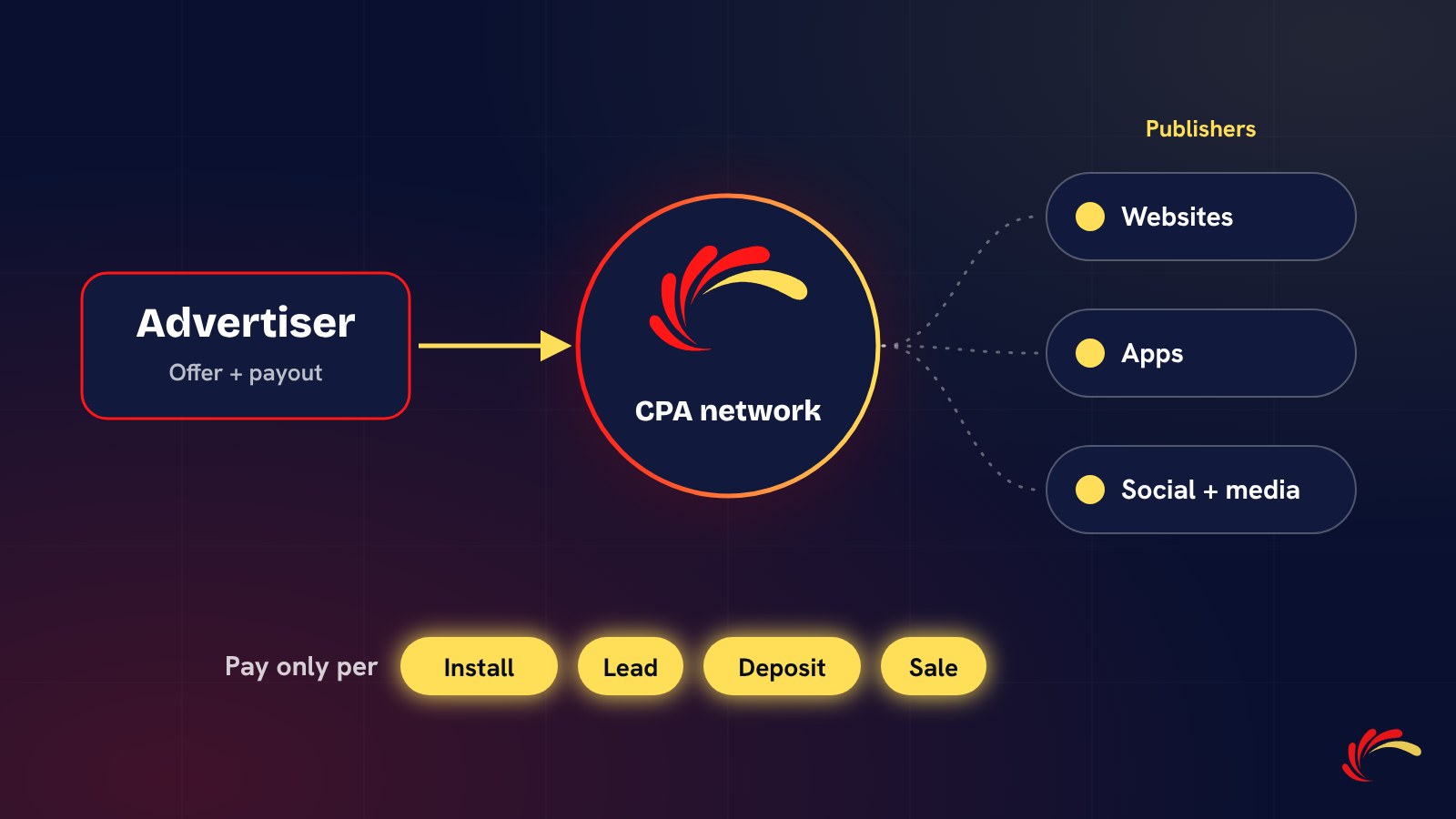
- Performance and CPA networks, which work with many publishers and charge per install or per action.
- In-app and programmatic inventory, ads shown inside other apps.
- OEM and preload placements, app recommendations on new phones and app stores from phone makers.
- Influencers and content, which build awareness and are often tracked with their own links.
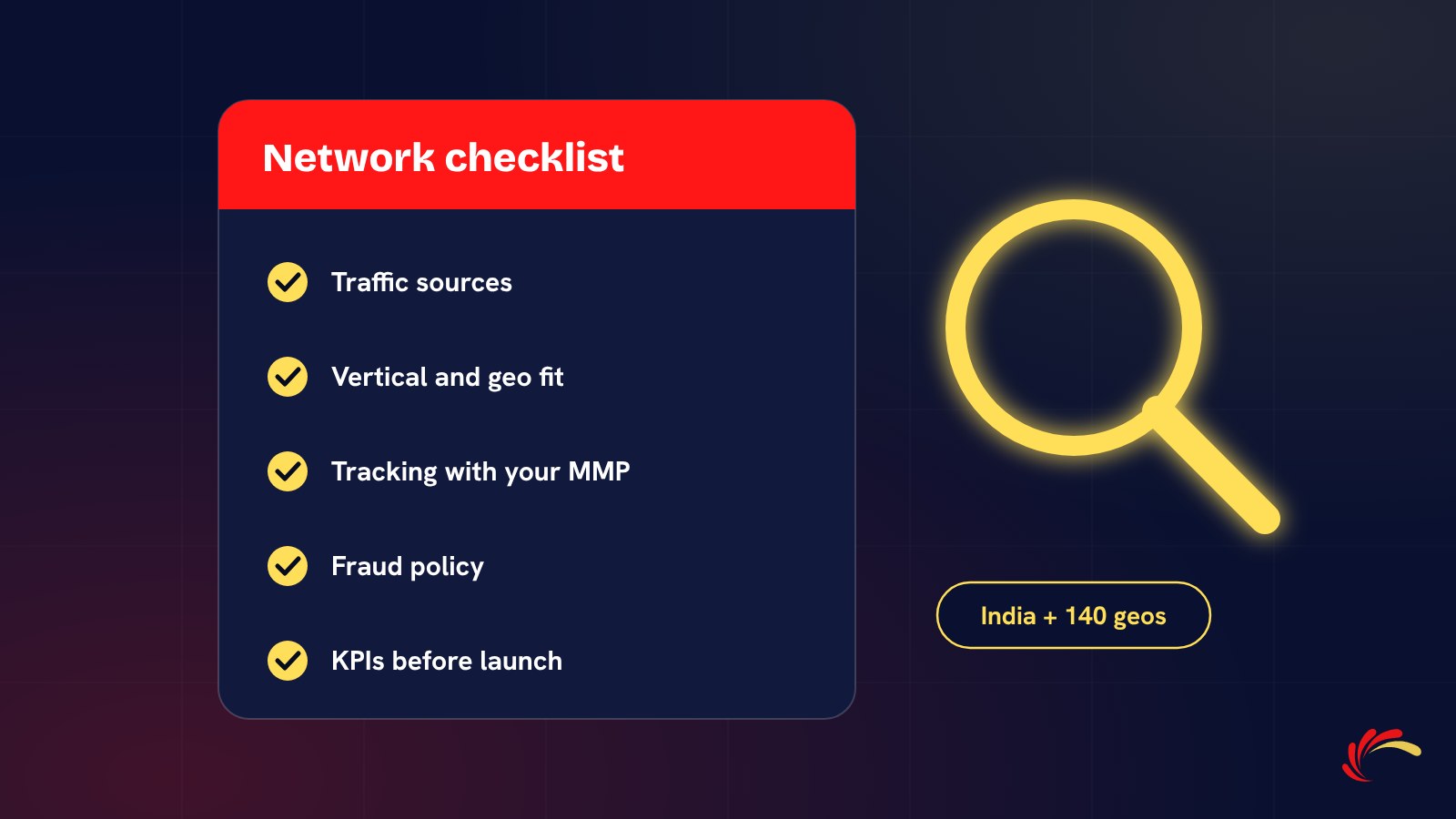
Most growing apps use a mix: self-serve platforms for steady volume, and networks to add scale and reach audiences the big platforms miss. If you are choosing a network, our checklist for India covers what to ask.
CPI or CPA: which model to choose
With CPI (cost per install) you pay for each install, usually counted on the first open. With CPA you pay only when the user completes a deeper action, such as a registration, KYC, a first deposit or a purchase.
CPICPA You pay forInstallsAn event after install Payout per unitLowerHigher Your riskHigher: some users never returnLower: you pay only for engaged users Good forLaunches, rank building, broad appsFintech, trading, gaming, e-commerce Many advertisers start on CPI with clear quality KPIs, then move to CPA once they know their conversion rates. Our guide to choosing a pricing model explains how to work out a payout from what a user is worth to you.
What drives the cost of an install in India
There is no single market rate. The same app can pay very different amounts depending on:
- Vertical. Finance, trading and insurance apps compete for the same valuable users and usually pay the most. Utility and casual gaming apps usually pay less.
- Platform. iOS installs generally cost more than Android installs.
- Targeting. Metro cities, specific states, languages or higher-end devices narrow the audience and raise the price.
- Depth of the event. The deeper the action you pay for, the higher the payout has to be.
- Traffic type. Incentivised installs, where users get a reward, are cheaper but behave very differently from non-incentivised users.
- Season. Festive periods such as Diwali and big sale days push prices up as more advertisers compete.
The right way to set a budget is to work backwards from user value: what a retained user is worth to you, and what share of installs reach that point.
How to set up an install campaign
- Set up your MMP. An attribution partner such as AppsFlyer, Adjust or Branch records which source brought each install and reports it back to the network.
- Define your events. Install, registration, KYC, first deposit, purchase: decide which ones you will track and which one you will pay for.
- Enable the network in your MMP and switch on postbacks for the events you track, so both sides see the same numbers.
- Agree caps and KPIs. Daily caps protect your budget while you test. KPIs such as day-1 retention or registration rate define what a good install looks like.
- Prepare the store listing. Screenshots, ratings and the first lines of the description decide whether a click becomes an install.
- Launch small, then scale. Start with a test budget, review sources after the first week, keep the ones that meet KPIs and pause the rest.
Measuring quality after the install
An install is the start of the journey, not the end. Watch these numbers by source:
- Day-1 and day-7 retention: do users come back?
- Event rates: what share of installs register, complete KYC or buy?
- Click-to-install time and device patterns: early warnings of fraud, explained in our article on signs of install fraud.
- Cost per engaged user: total spend divided by users who reached your key event.
Sources with cheap installs and no engagement are the most expensive ones in the end.
Common mistakes
- Paying for installs with no quality KPIs agreed in writing.
- Scaling a source before day-7 data is in.
- Mixing incentivised and non-incentivised traffic in one report.
- Tracking installs only, so nobody can see which sources bring paying users.
Run an install campaign with us
Adperience Media runs CPI and CPA campaigns for Android and iOS apps with direct publishers across India and more than 140 countries, with fraud checks before billing. Send us your app, geos, target event and CPA and we will reply with a proposal by email.